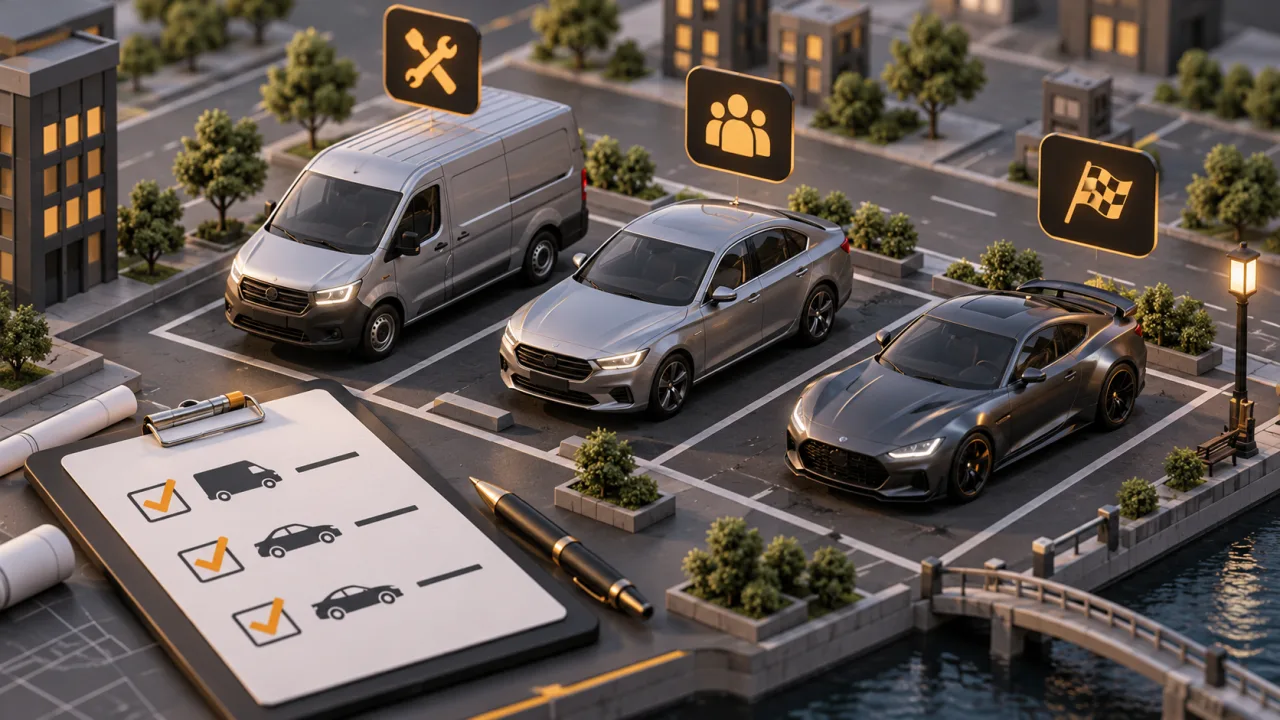
"FiveM car list" can mean two different things. Some people want the vehicles every server already has, the base game cars that spawn with no download. Others are stocking a server and want add-on vehicles sorted by the job they do. This page covers both. It starts with the base game vehicle classes and where to find every model name, then lists the add-on vehicles we sell by role, with a shelf link for each group and a few listings to start from. It ends with how to install an add-on car and the checks worth making before you add one.
The base game vehicle list, by class
Every Grand Theft Auto V vehicle already works in FiveM. The game files each model in one of 23 classes, and the class number is what the GetVehicleClass native returns. Scripts use it to sort garages, set speed limits for a job or keep aircraft out of a car dealership. Here are the classes, each with a few base game model names to show the kind of vehicle filed there:
- 0 Compacts:
blista,issi2,panto - 1 Sedans:
stanier,tailgater,schafter2 - 2 SUVs:
baller,granger,cavalcade - 3 Coupes:
oracle,felon,zion - 4 Muscle:
dominator,gauntlet,vigero - 5 Sports Classics:
stinger,tornado,monroe - 6 Sports:
elegy2,sultan,comet2 - 7 Super:
adder,zentorno,t20 - 8 Motorcycles:
bati,akuma,sanchez - 9 Off-road:
bifta,rebel,sandking - 10 Industrial:
flatbed,mixer,dump - 11 Utility:
towtruck,utillitruck - 12 Vans:
burrito,speedo,youga - 13 Cycles:
bmx,scorcher - 14 Boats:
dinghy,jetmax - 15 Helicopters:
maverick,polmav,frogger - 16 Planes:
luxor,cuban800 - 17 Service:
bus,taxi,trash - 18 Emergency:
police,sheriff,ambulance,firetruk - 19 Military:
rhino,barracks,crusader - 20 Commercial:
hauler,phantom,mule,pounder - 21 Trains:
freight - 22 Open Wheel:
formula,openwheel1
The complete base game list, with every model name, display name and hash, is the vehicle model reference in the FiveM documentation. It is kept current with game updates, which copied lists online often are not. To find the model name of an add-on car, or to see where a name goes on ESX, QBCore or Qbox, read our FiveM car spawn codes guide.
An add-on vehicle sets its own class in its vehicles.meta, usually the one the base game would give a car of that type. A lore-friendly police SUV is normally class 18, so it behaves like the stock emergency vehicles in scripts that check the class.
Add-on vehicles, sorted by the job they do
Everything below is a lore-friendly add-on: a vehicle built for the Los Santos setting, badged with the game's own makes (Vapid, Bravado, Declasse, Annis, Pegassi) rather than real-world ones. Each group links to its shelf, which holds the full list. To browse by manufacturer instead, use the A-Z vehicle index.
Police cars
Patrol cruisers, interceptors, unmarked units and police SUVs. Most police listings here are non-ELS: the lights run on the game's own siren system, with no extra lighting resource. Full list: FiveM police cars.
- Declasse Merit PPV Non-ELS Police Sedan: a standard patrol sedan
- Vapid Stanier LXE Police Interceptor Sedan: the cruiser players expect, rebuilt
- Bravado Buffalo STX8 Non-ELS Patrol Interceptor: a pursuit car
- Declasse Alamo 2700LX Police Interceptor SUV: a patrol SUV
- Bravado Bison 35XD K9-Ready Police SUV: a K9 unit
- Police Car Pack of 12 Matched Patrol Units: a whole department in one download
EMS vehicles and ambulances
Type 1, 2 and 3 ambulances, response vehicles and an animated gurney. Full list: FiveM EMS cars and ambulances.
- Benefactor Jogger Type 2 Non-ELS Ambulance
- Vapid Yankee C130 Type 1 Ambulance, 8 Seats
- Brute EjectoLift NX Animated EMS Gurney
- EMS Pack 1 Ten-Vehicle Paramedic Fleet
Police and EMS together, plus combined department packs, are on the emergency fleet shelf.
Helicopters
Civilian and police helicopters for air support, news or charter jobs. Full list: FiveM helicopters.
- Maverick BH700 Patrol and Tactical Police Helicopter
- Buckingham Conada ASU Police Helicopter
- Buckingham Maverick BH700 Civilian Helicopter
Motorcycles, bikes and scooters
Sports bikes, cruisers, an adventure bike, police motorcycles and mobility scooters. Full list: FiveM motorcycles.
- Nagasaki YFT-X1 Scratch-Made Sports Bike
- Western Dynaframe Cruiser Bike with Custom Fairing
- Ubermacht Kandra Dual-Sport Adventure Bike
- Dinka Verus Police Interceptor Motorcycle
Supercars and hypercars
The top tier of a dealership. Full list: FiveM supercars and hypercars.
- Grotti X80 Scratch-Made Prototype Hypercar
- Pegassi Zentorno CTX Supercar Rework
- Progen T20 CTX Supercar with Custom Bodykit
- Overflod Entity S Free Scratch-Made Supercar: free
Sports cars and tuners
Street cars with body kits, widebody options and tuning parts for a car meet or a tuner shop. Full lists: FiveM sports cars and drift and tuned cars.
- Annis Elegy RH6 with 200+ Tuning Options
- Karin S95 CTX Widebody Street Car, 7 Bodykits
- Karin Sultan CTX Kitted Street Sedan
- Obey 9F Sport with LM and CTX Widebody Tuning
Muscle cars and classics
Muscle coupes, restomods and older classics. Full list: FiveM muscle cars and classics, and for an era server, retro and 90s builds.
- Vapid Dominator CTX Street Muscle Car
- Declasse Vigero VL1 Classic Old-School Muscle Car
- Albany Buccaneer Restomod Muscle Car
- Ubermacht Sentinel Retro Wagon 90s Estate Car
SUVs
Everyday SUVs, luxury SUVs and big crew SUVs. Full list: FiveM SUVs.
- Vapid Scout SR 2025 Civilian SUV, Six Hoods
- Gallivanter Baller ST-D CTX Street SUV
- Declasse Granger 3600 CTX Street SUV
- Pegassi Toros XO Stock and CTX Super SUV Pack
Trucks, pickups and tow trucks
Pickups, rollback tow trucks, box trucks and snow plows for mechanic, delivery and city jobs. Full list: FiveM trucks.
- Bravado Bison 25XD and 35XD Rollback Tow Trucks
- Vapid Yankee C130 LWB Five-Slot Box Truck
- Vapid Sandking D155 Snow Plow Trucks, Three Models
- Vapid Sadler LT-450 Heavy-Duty Pickup Truck
Vans, buses and utility vehicles
Work vans, passenger vans and buses. Full list: FiveM vans and utility vehicles.
- Benefactor Jogger Work and Passenger Van Pack: free
- Brute Hyperbus 16-Seat Bus with Boosters
- Brute SLT Six-Seat Postal Delivery Vehicle
Off-road
Lifted trucks, crawlers and overland builds. Full list: FiveM off-road vehicles.
- Vapid Guardian CRAWLER Lifted Off-Road Truck
- Canis Terminus Overland Expedition SUV
- RAMPAGE Lifted Truck Pack, 12 Trucks
Sedans, wagons and taxis
Civilian traffic, executive cars and cabs. Full list: FiveM sedans and wagons.
- Downtown Cab Co Taxi Pack, Ten Cabs
- Benefactor Streiter Sedan Four-Seat Executive Saloon
- Declasse Merit Cruiser Civilian Daily Sedan: free
Six-seaters and crew vehicles
Cars, SUVs and trucks with six or more seats, so a whole crew rides in one vehicle. Full list: FiveM 6 seater vehicles.
- Albany Cavalcade V-STR Six-Seat Sport SUV
- Bravado Bison 1500 Six-Seat Pickup Truck
- Benefactor Harmann XLS 750 Six-Seat Sport SUV: free
Free vehicles
A shelf of free cars and packs, good for civilian traffic or for testing how add-on vehicles run on your server before you buy. Full list: free FiveM cars.
- Andretti S9 Free Supercar with Custom Sound
- Declasse Granger and Alamo Civilian SUV Pair
- Vapid Dominator GT Hardtop Muscle Coupe
Vehicle packs
Several vehicles in one resource: a department, a trim range or a matched work fleet. Full list: FiveM vehicle packs. If you are planning sizes for a whole server, our guide to planning a fleet by size and role helps decide how many of each you need.
How to add an add-on vehicle to your server
- Unzip the vehicle into your resources folder. Keep the folder name it ships with, for example
resources/[cars]/vehicle-name. A folder in square brackets only groups resources; the server scans inside it. - Check the manifest. A vehicle resource has an
fxmanifest.luathat loads its meta files. It normally looks like this, and you should not need to change it:
fx_version 'cerulean'
game 'gta5'

files { 'data/*.meta' }

data_file 'HANDLING_FILE' 'data/handling.meta'
data_file 'VEHICLE_METADATA_FILE' 'data/vehicles.meta'
data_file 'CARCOLS_FILE' 'data/carcols.meta'
data_file 'VEHICLE_VARIATION_FILE' 'data/carvariations.meta'- Ensure it in
server.cfg. Add one line per resource, using its folder name, then restart the server:
ensure vehicle-name- Spawn it to test. Use your admin menu or
/carcommand with the vehicle's spawn code, which the listing states. - Add it to your framework. Put the spawn code in your dealership or garage list: the
vehiclestable on ESX,shared/vehicles.luaon QBCore and Qbox. The spawn codes guide shows each one.
Things to check before you add a car
- Add-on or replace. An add-on brings a new model name and leaves the base game car alone. A replace overwrites a base game model. Each listing says which it is.
- File size. Every add-on car is streamed to players when they meet it. A few hundred detailed cars is a lot of data, so check the file size on each listing and favour a smaller set of well-made vehicles over everything at once.
- Duplicate model names. If two resources define the same spawn code, only one loads. Remove the old copy before installing a new version of a car.
- Handling next to your fleet. A supercar tuned for a race server can make your police interceptors useless. Test a new car against what your police and civilians already drive.
- Names you will see in game. Add-on cars carry the game's makes, so a Vapid or Bravado here sits beside the base game Vapid and Bravado cars without breaking the setting.
To see the whole catalogue in one place, open the A-Z vehicle index, or start from the lore-friendly vehicles shelf.